How do you cancel or refund an order?
At 21:00, a cancelled shawarma order may already be printed beside the fryer while the customer is asking for their money back. Nexara gives the branch searchable Order History with distinct cancelled and refunded statuses.
Keep cancelled and refunded orders available for review with Nexara, the restaurant order and operations platform built in Amman, Jordan. Order History provides search and filters, and HyperPay supports online card refunds. Exact cancellation controls and refund permissions need confirmation for your branch; start with founder-assisted setup on WhatsApp.
What happens to a cancelled or refunded order?
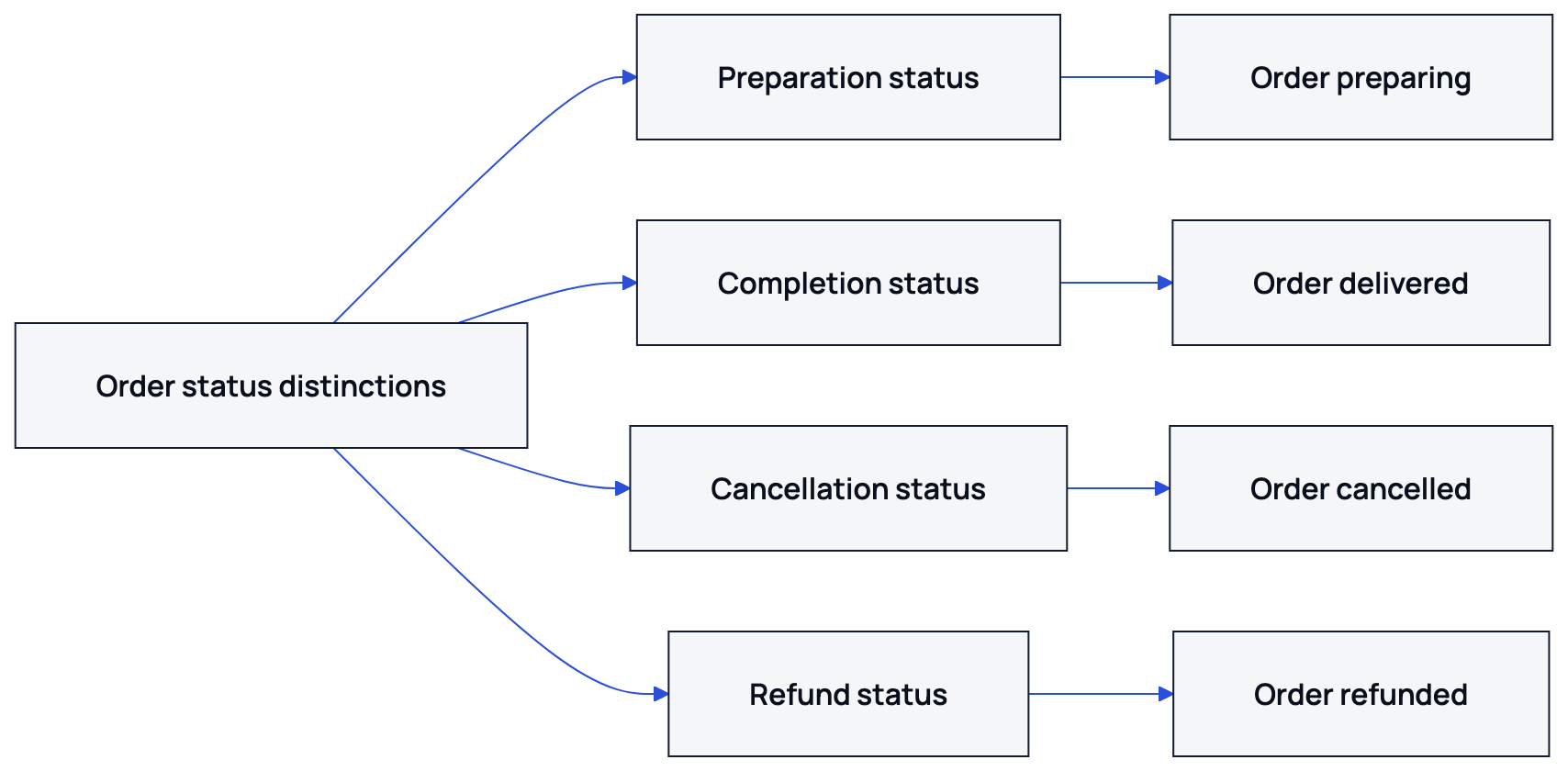
Nexara's order statuses include awaiting payment, pending, confirmed, preparing, ready for pickup, out for delivery, delivered, cancelled and refunded. Order History provides search and filters, so staff can return to an order when a customer calls or a manager reviews the shift.
| Status | What it distinguishes | Manager's check |
|---|---|---|
| Cancelled | An order marked as cancelled. | Check with the kitchen whether preparation has stopped and establish whether any payment was collected. |
| Refunded | An order marked with the separate refunded status. | Verify the repayment through the payment provider or the branch's cash records. |
| Delivered | An order marked as delivered. | Review the customer's concern if a refund request comes after delivery. |
Treat fulfilment and repayment as separate checks. A status label alone does not certify that money reached the customer across every payment method. The manager needs the order record and evidence from whoever handled the payment.
Who can cancel an order?
Nexara has user roles, branch assignments and a permissions module. During founder-assisted setup, ask who can cancel and who can refund, and have the founder demonstrate the exact controls available to your branch's users.
Separately, decide who makes the operational decision during service. Your branch procedure should name the person who can tell the kitchen to stop and the person responsible for checking repayment. Write that responsibility down for the shift team.
- Find the order in Live Orders or use search and filters in Order History.
- Match it to the customer's request, checking the branch and order source before acting.
- Tell the kitchen to stop preparation under your branch procedure, and contact the delivery team if food has left the pass.
- Establish whether money was collected and who collected it. Route the request to the person responsible for that payment.
- Use the cancellation or refund controls demonstrated during setup, then review the order's status in Order History.
These are a manager's service checks. Finding an order and reviewing its status are Nexara actions; stopping the cook or checking a cash handover requires the branch team.
What does the kitchen see after cancellation?
Nexara prints kitchen tickets in Arabic and English and provides a live order board for the branch team. A ticket that has printed still sits beside the fryer. Tell the cook which order to stop, and get a direct acknowledgement before moving to the payment question.
For the kitchen handover, use the order's identifying details and say whether to stop cooking or hold the packed bag. Ask during setup what a cancellation changes on the branch board and in printing. Keep the direct kitchen instruction in your service procedure.
How do own orders differ from Talabat and Careem orders?
Nexara brings website, installable app, call-center, table QR, Talabat and Careem orders into one live queue per branch. Talabat and Careem integrations support incoming cancellations and status handling. The payment source still matters when deciding who should return the customer's money.
| Order source | Verified Nexara capability | Branch procedure to confirm |
|---|---|---|
| Website or app | Cash on delivery or pickup, plus online card payment through HyperPay when enabled. | Establish whether cash changed hands or the customer paid online before arranging repayment. |
| Call center | Customer lookup brings up saved addresses and past orders; the order screen offers payment choices. | Check the payment actually collected, then identify who handles its return. |
| Table QR | Dine-in sessions support splitting a shared bill by claimed items. | Check which guest paid and which items the refund request concerns. |
| Talabat | Order intake includes incoming cancellation handling and status updates. | Compare the partner order with Nexara's record and confirm the partner's refund procedure. |
| Careem | Order intake includes incoming cancellations, status updates and driver information. | Check the partner's refund procedure and contact the delivery team if the order is moving. |
Nexara charges 0% commission on the restaurant's own website, app and call-center orders. Talabat and Careem retain their own commission on orders they bring. For a cancelled partner order, review the partner's treatment of charges against your agreement and statement.
How does a refund appear in the record and reports?
Order History is the place to find an order and review its status. Nexara supports online card refunds through HyperPay. For an online payment, verify the refund outcome with the payment provider; for cash, use the branch's record of the repayment.
- Find the order in Order History and check whether its status is cancelled or refunded.
- Identify the payment method and establish whether payment was collected.
- Verify any repayment against the provider's confirmation or the branch's cash records.
- Keep unresolved customer follow-up with the person responsible for closing the issue.
Nexara has Orders, Channels, Financial, End of Day and Cashier Reconciliation report tabs. During setup, ask the founder to show how a cancelled order and a HyperPay refund appear in the reports available to your branch, including which fields support your closing checks.
Nexara sits beside the till as the order and operations layer. The cashier records the day's net sale at close for reconciliation. Bring your existing closing procedure to the walkthrough so the cashier can see where order review ends and payment checking begins.
What should the manager check before closing the day?
Use searchable Order History to review cancelled and refunded orders. Pair that review with the kitchen's account of what happened and the payment evidence. A manager should be able to explain both the stopped order and any money returned.
- Review cancelled and refunded orders separately in Order History.
- Confirm with the kitchen which stopped orders had food prepared or packed.
- Compare Talabat and Careem cancellations with the corresponding partner records.
- Verify online card refunds through HyperPay and cash repayments through branch records.
- Assign any unresolved customer complaint to a named person before the shift handover.
Nexara supports complaint cases for customer follow-up. A complaint about a missing repayment needs an owner even when the order itself has stopped. Keep that follow-up visible to the next shift.
For the related screens, read how order statuses work, reading the daily report and the live order board.
Contact Nexara at nexaratech.io through the WhatsApp step below to confirm cancellation and refund handling for your branch with the founder.
What to remember
- Cancelled and refunded are separate Nexara order statuses.
- Order History provides search and filters for later review.
- HyperPay supports online card refunds; check repayment evidence separately.
- A printed ticket needs a direct kitchen stop instruction.
- Confirm staff controls and reporting details during founder-assisted setup.
Questions people ask
Does cancelling an order delete it from Nexara?
Cancelled is a supported order status, and Order History provides search and filters for later review. Staff can return to the order when checking a customer request.
Is a cancelled order the same as a refunded order?
No. Nexara has separate cancelled and refunded statuses. Check payment evidence separately to establish whether the customer received a repayment.
What does the kitchen see when an order is cancelled?
Nexara provides printed kitchen tickets and a live order board for the branch. If the ticket has printed, tell the cook directly to stop the order and confirm they heard the instruction.
Can Nexara refund an online card order?
Yes. Nexara supports online card refunds through HyperPay. Verify the refund outcome with the provider before telling the customer the repayment is complete.
How are Talabat and Careem cancellations handled?
Nexara supports incoming cancellation handling and status updates for both integrations. Compare the partner record with Nexara and check the partner's payment procedure when a refund is needed.
What if our cancellation approval path is different?
Bring your branch procedure to the founder-assisted setup conversation. Ask for a demonstration using the staff roles that will handle cancellations and refunds during service.